In this post, we will show you how to add new video content from your Bunny account that is connected to the OTTfeed platform through APIs. If your Bunny account is not connected, follow the steps in this post: Connect Bunny.net Stream to OTTfeed Platform.
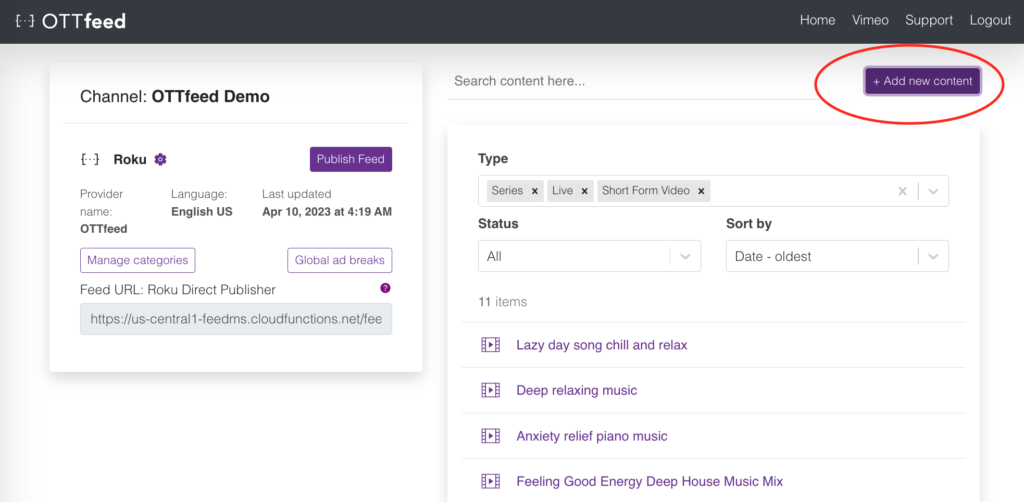
– Log into your OTTfeed account and click on the “Add new content” button.
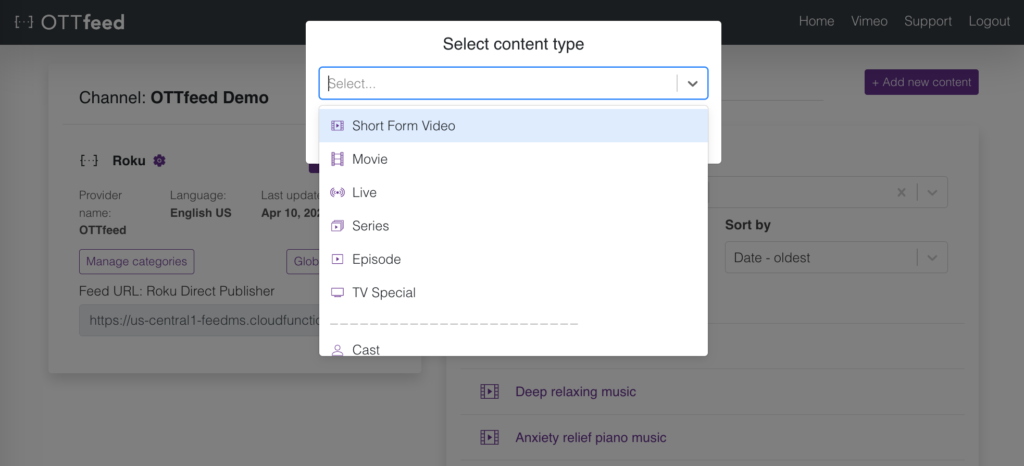
– Select one of the types (e.g., ShortFormVideos).
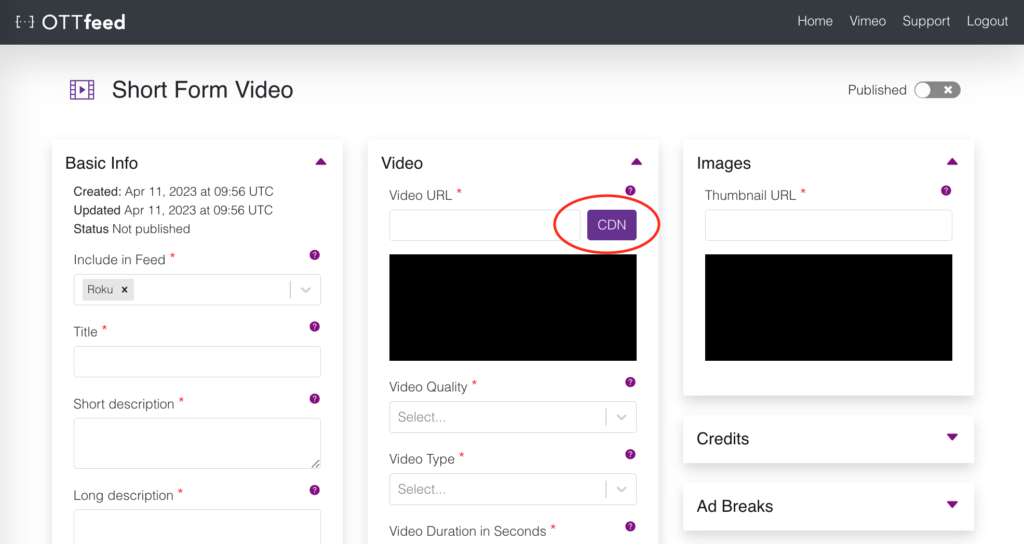
– On the video detail page, you will see a “CDN” button next to the “Video URL” textbox.
– Pressing the button will open a window with a list of all your videos hosted on bunny.net stream.
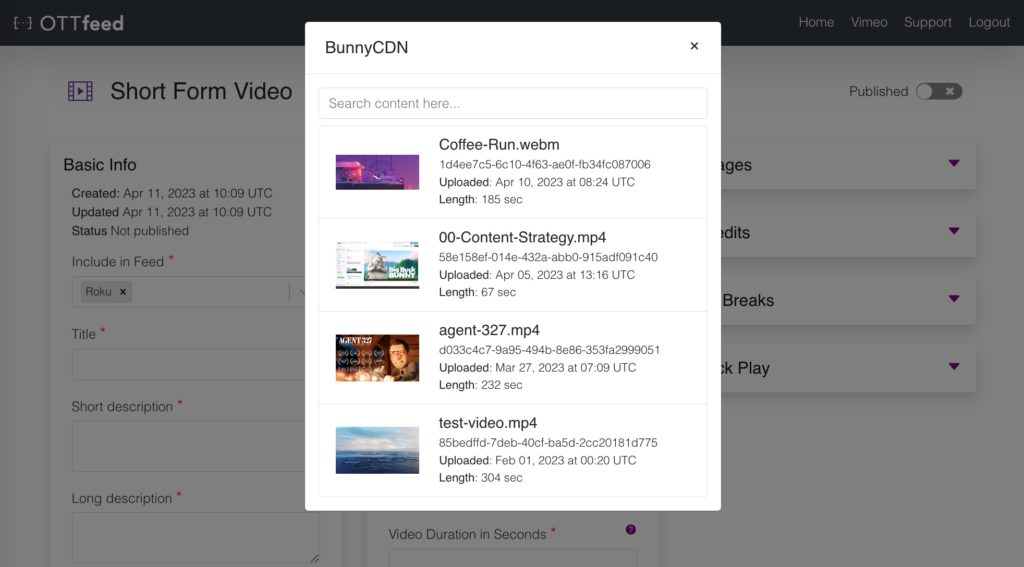
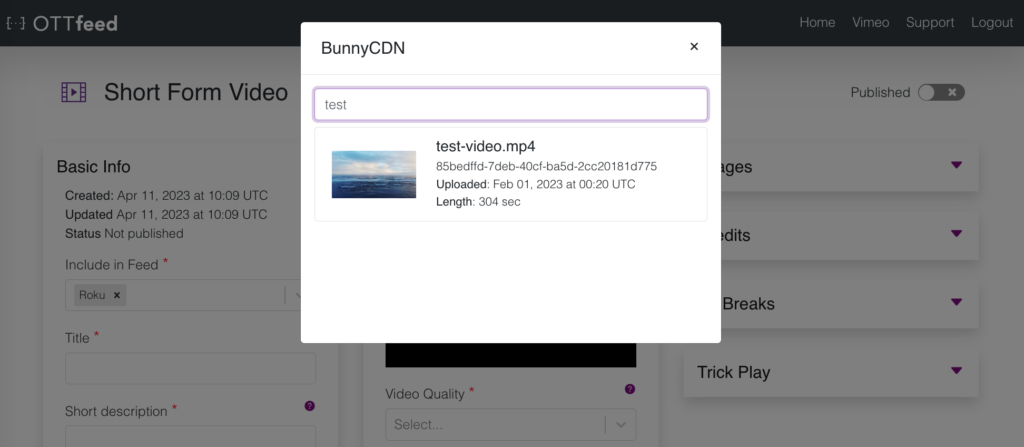
– To find a specific video, scroll down or search by entering a keyword in the search box.
– Click on the video to import the video and thumbnail URLs.
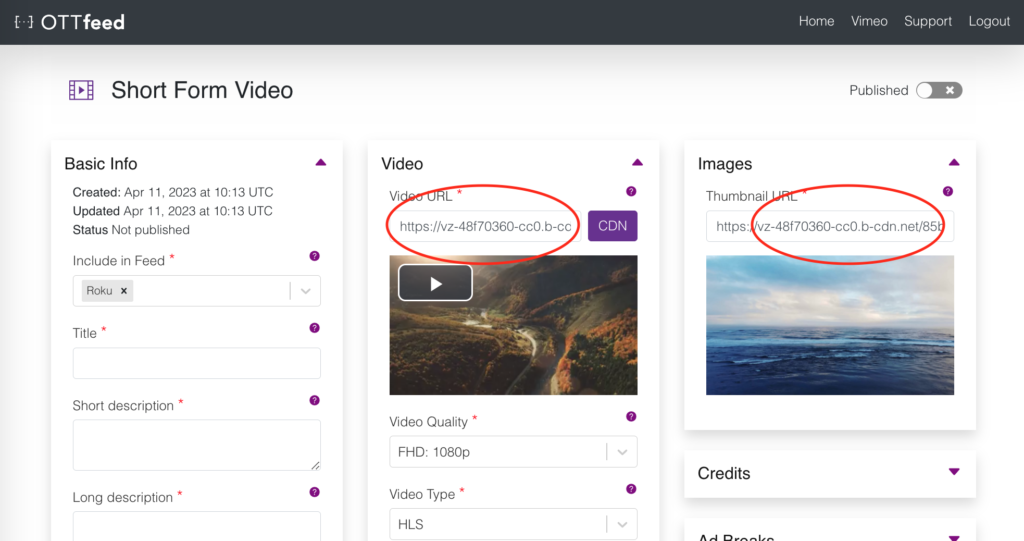
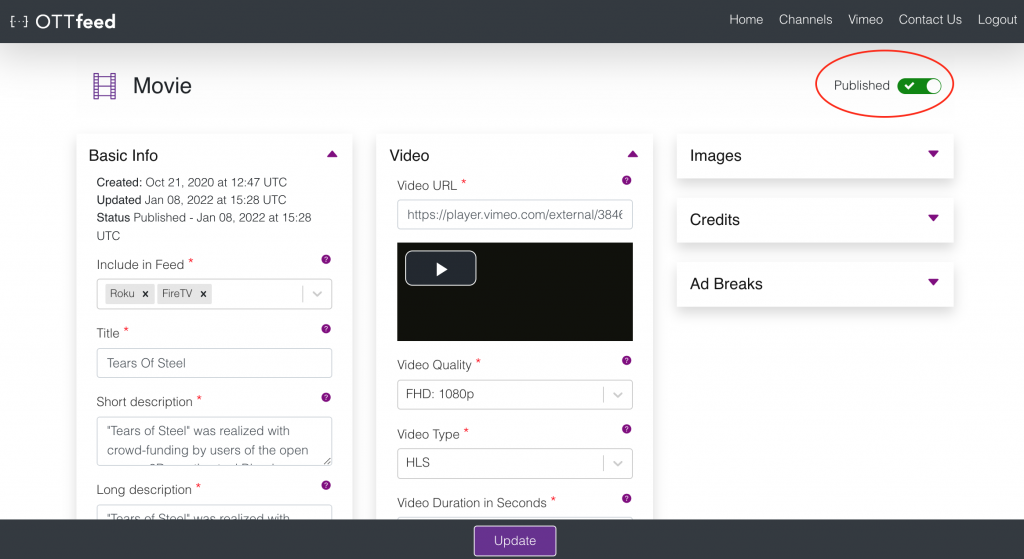
– Add the rest of your metadata and make your video as Published by toggling the toggle in the top right corner.