In this post, we will show you how to add a unique QR code to your video in OTTfeed.
Before getting started, you will need a tool to generate your QR codes. There are many options available, but we recommend using QRCodeChimp.com. Their platform is easy to use and includes a generous free tier.
Once you have created your QR code, follow these steps:
1. Log in to your OTTfeed account.
2. Navigate to the video detail page for the video where you want to add the QR code.
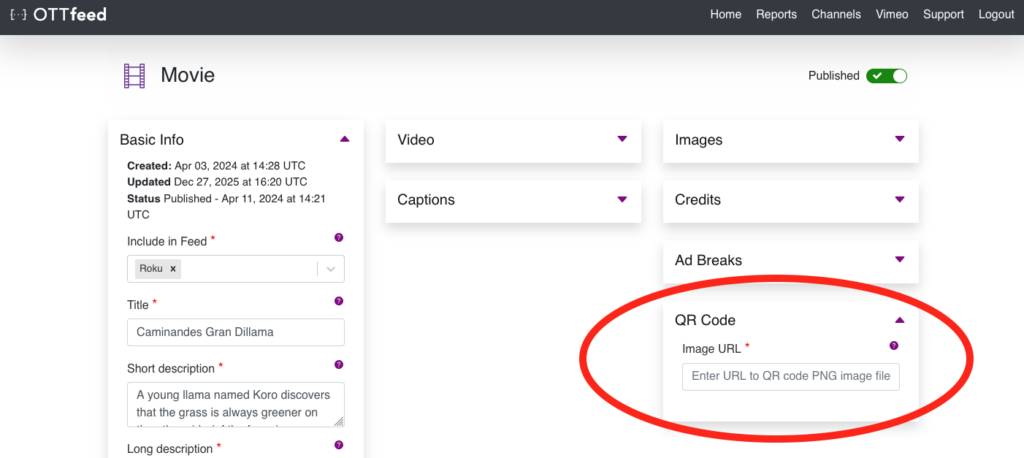
3. On the video detail page, locate the QR code box, paste your QR code URL, and save your changes.
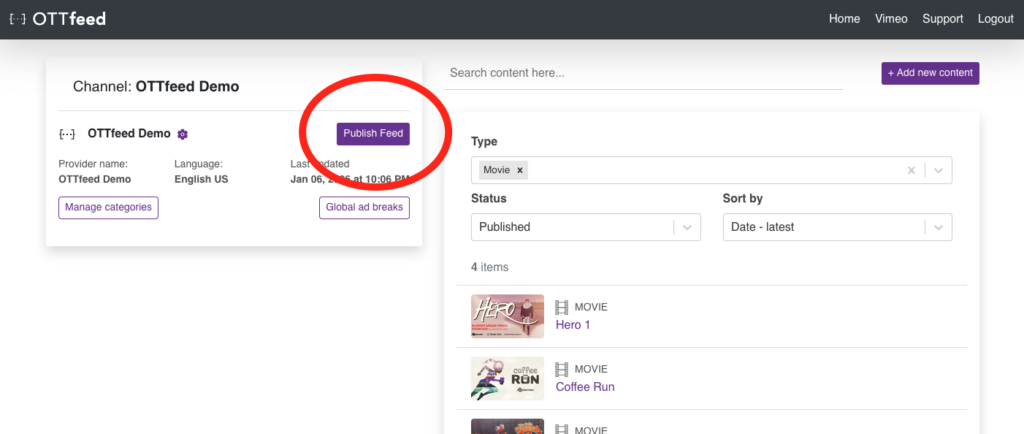
4. Go back to the Homepage, and click on the “Publish feed” button.